MIRA SDK • Now Available
Build Apps on Your MIRA Glasses
Your glasses are now a canvas for your own ideas.
We’re back with a milestone we have been eager to share: the official MIRA SDK is now live in the MIRA iPhone app.
In plain English, you can now build your own apps and interfaces for the glasses. No coding experience necessary.
MIRA gives you an AI-ready guide, so you can describe the experience you want and let ChatGPT, Claude, or your preferred AI tool do the technical heavy lifting.
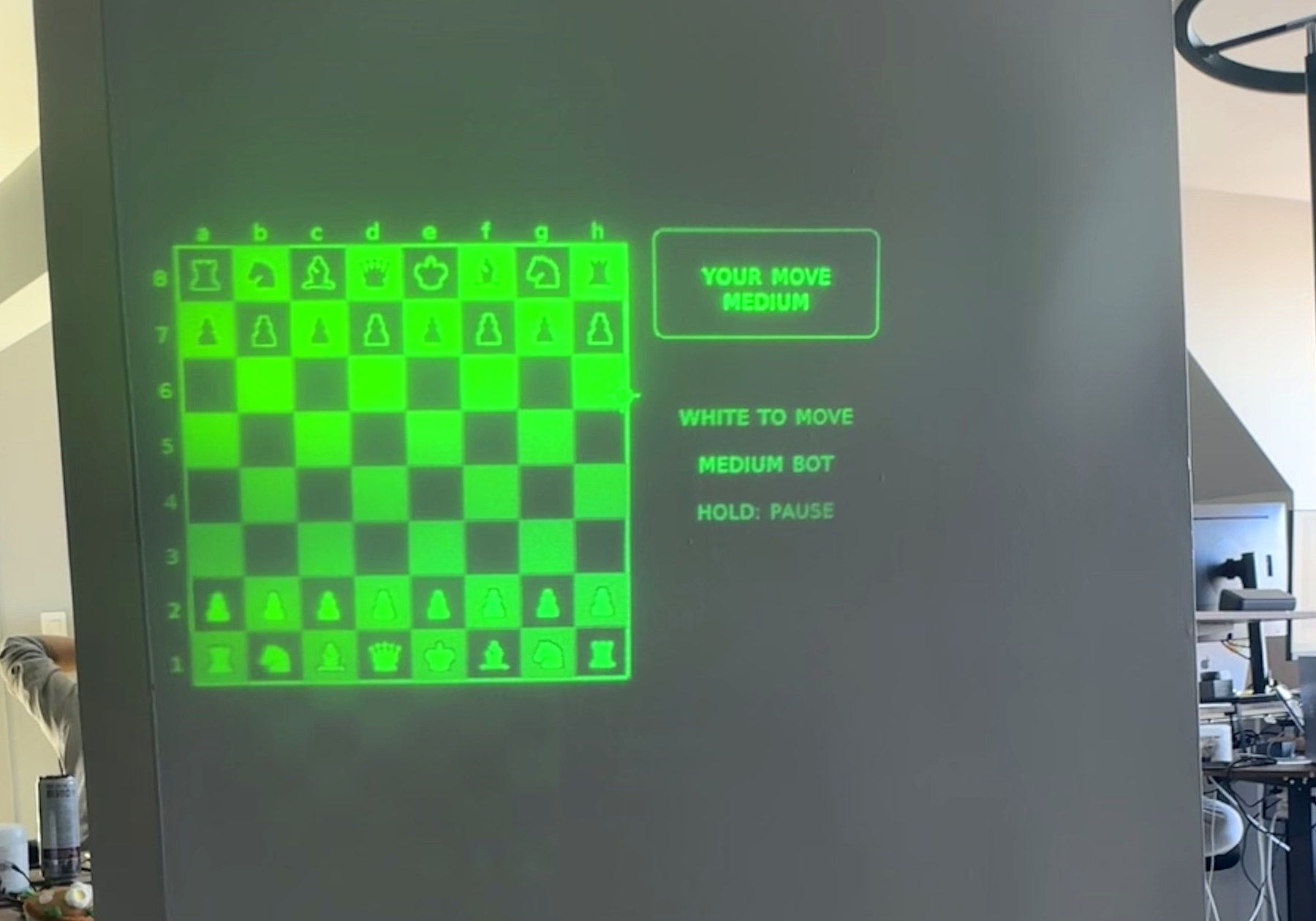
Built with the MIRA SDK
Chess, on your glasses. Your move.
One early example of what is now possible.
Start with anything
Make something playful, practical, or entirely personal to the way you use MIRA.
Play
Create games and experiments designed for the display.
Work
Build hands-free tools around real tasks and routines.
Connect
Create richer workflows, integrations, and AI-agent experiences.
From idea to MIRA
Build in four simple steps
Everything you need to get started is already inside the app.
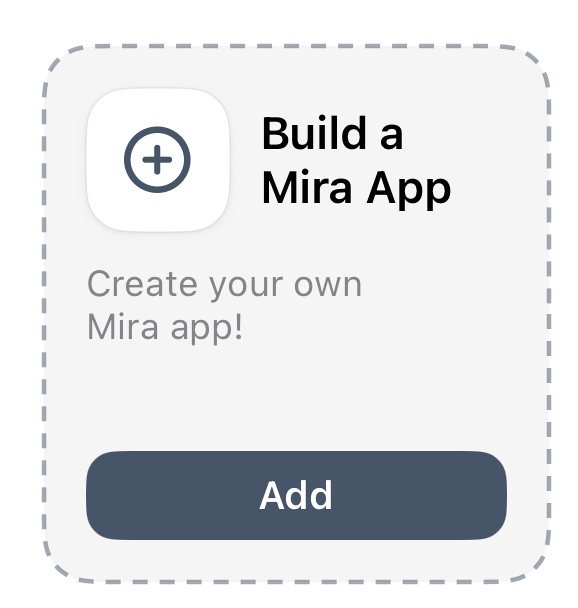
Open MIRA on iPhone, go to the app drawer, scroll to Build a Mira App, and tap Add.
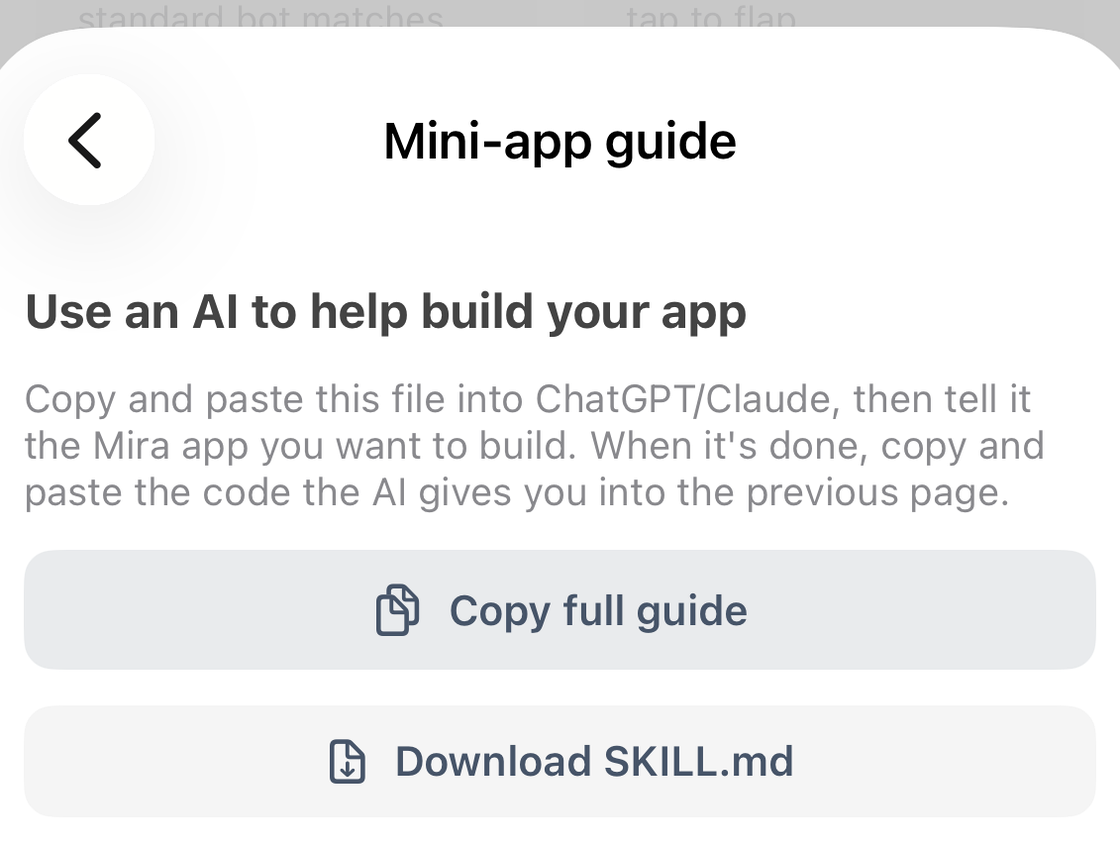
Tap Instructions for making apps. Choose Copy full guide or Download SKILL.md.
Paste the guide into ChatGPT, Claude, or your preferred AI tool. Describe your idea, then copy the generated MIRA .html package.
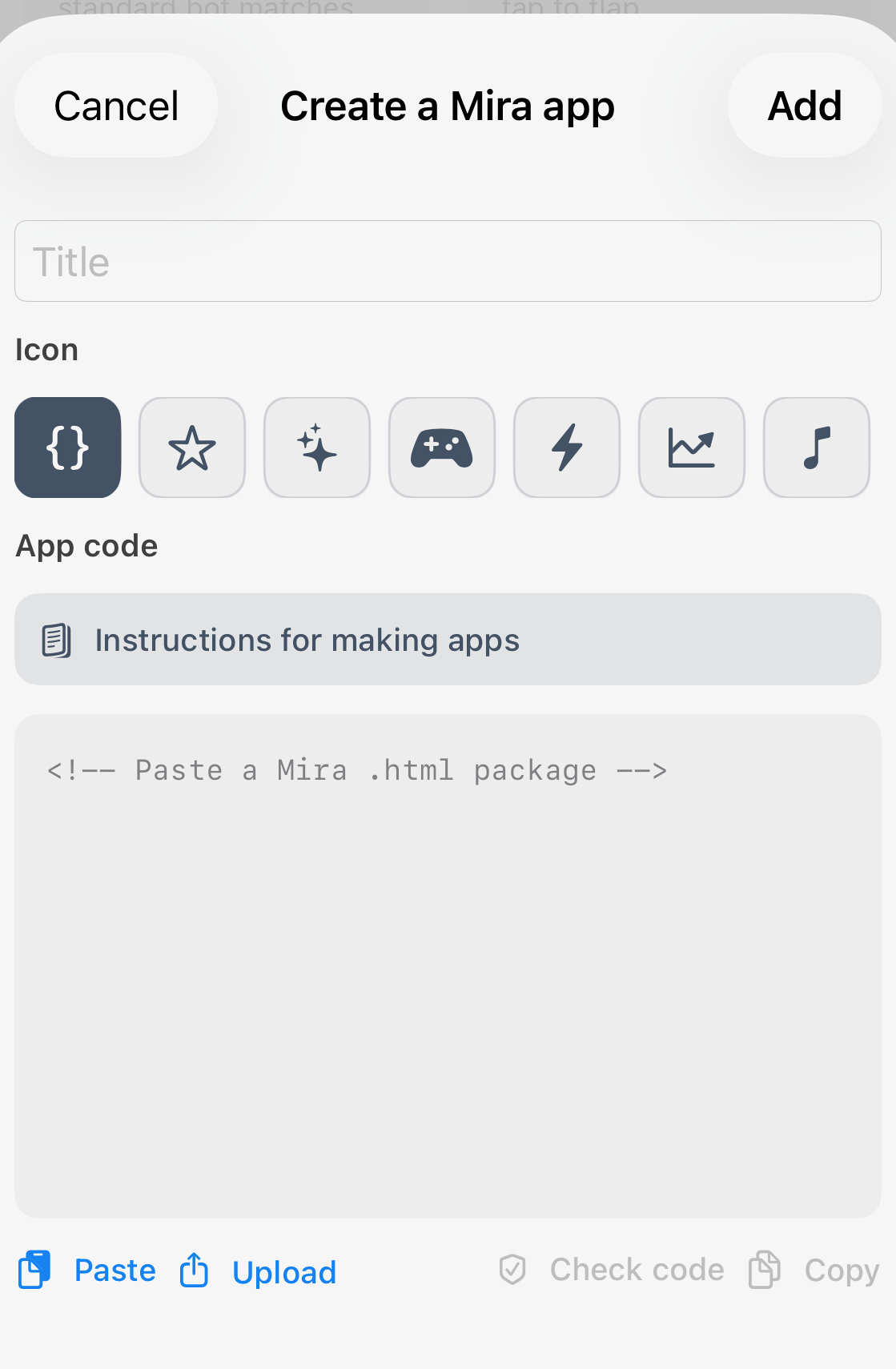
Return to Create a Mira app, add a title and icon, paste or upload the package, tap Check code, then Add.
1 • Find the builder
Scroll to Build a Mira App and tap Add.
2–3 • Give AI the guide
Copy the guide, then describe what you want to build.
4 • Paste, check, and add
Bring the MIRA .html package back into the app.
We want to see what you build
The MIRA team will be active in Discord to answer SDK questions, compare builds, and learn what we should improve. After you try the builder, reply and tell us what worked or felt confusing.
And keep an eye out: SDK competitions and prizes are coming.
Cheers to building your own MIRA experience!
Team MIRA